

Prerequisites
- You have a Tilebox API key.
- You have installed the Python SDK.
Define the catalog schema
Start by choosing the spatio-temporal dataset kind and the custom fields for your catalog. Tilebox adds the requiredtime, id, ingestion_time, and geometry fields automatically.
The example catalog tracks imagery products with a provider product ID, file assets, cloud cover, and processing level. Field descriptions and example values become part of the generated schema documentation.
Python
Create the dataset
Callcreate_or_update_dataset with the dataset kind, code name, field list, and display name. The code name becomes the stable identifier used in SDK calls.
Python
create_or_update_dataset updates it instead of creating a duplicate. This makes the snippet safe to keep in a setup script.
The Python SDK currently sets the dataset display name and schema. Field-level
description and example_value entries populate the generated schema documentation. Use the Tilebox Console when you want to add rich Markdown documentation to the dataset page.Inspect the generated schema documentation
Tilebox uses the dataset kind and field annotations to document the schema. Required fields are added by the dataset kind, and your custom fields appear with their descriptions and examples. For this catalog, the complete schema includes:
The descriptions and example values you provided in the SDK call appear in the dataset schema documentation.
Add richer dataset documentation
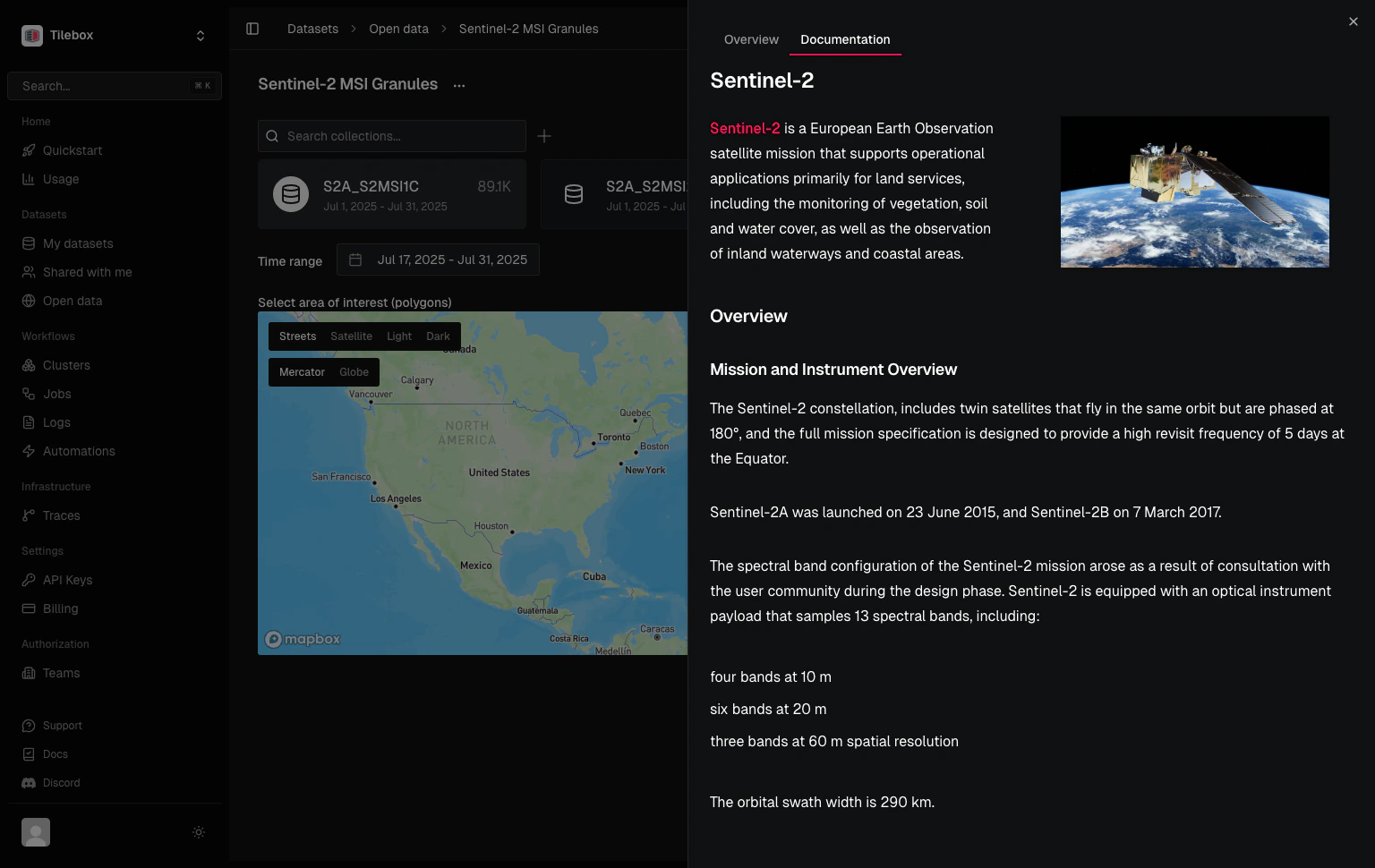
Use field descriptions for schema-level documentation. Use the Console documentation editor when you want longer Markdown documentation for the dataset, such as provenance notes, quality caveats, ingestion rules, or examples for downstream users.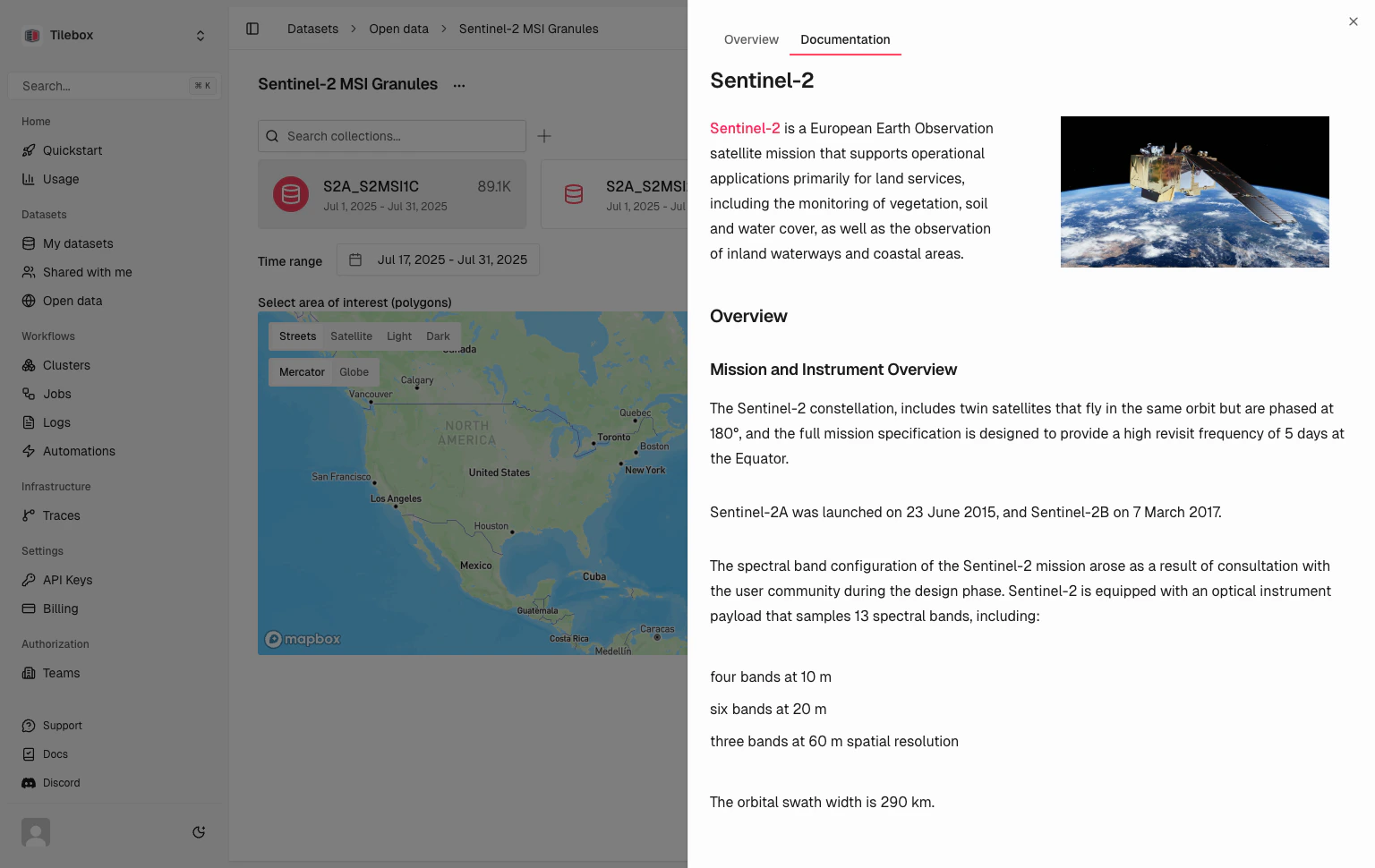
Markdown
Create a collection
After creating the dataset, create a collection to hold datapoints. Collections let you organize datapoints within the same schema, for example by provider, product family, or processing pipeline.Python
Prepare datapoints
Load your source metadata into a GeoDataFrame. The geometry column should contain the footprint for each datapoint.Python
Add asset references
Convert each source file into an asset collection, then add its dataset fields to the record:Python
AssetCollection.from_assets validates and normalizes the metadata into the structure consumed by the storage client. It does not upload the referenced file or test its availability.
Ingest the catalog
Ingest the prepared records into a collection.Python
Query by time, location, and custom fields
After ingestion, combine the queryable custom fields with temporal and spatial filters. Tilebox applies all three filters on the server before returning matching datapoints.Python
Next steps
Spatio-temporal datasets
Learn the required fields and query behavior.
Filter by custom fields
Combine queryable field expressions with temporal and spatial filters.
Ingest from common file formats
Load CSV, Parquet, GeoParquet, and NetCDF data before ingestion.
Ingest into a spatio-temporal catalog
Prepare GeoParquet metadata and ingest it into this catalog.