Use this guide after Build a spatio-temporal catalog. It assumes you already created a spatio-temporal dataset and now want to load geospatial metadata into one of its collections. The example starts from a GeoParquet file, reshapes it to match the catalog schema, ingests it into Tilebox, and runs a time and location query against the new collection.
If your source data uses a different file format, see Ingesting from common file formats for examples of loading CSV, Parquet, GeoParquet, and NetCDF data before ingestion.

Prerequisites

uv add tilebox geopandas lonboard shapely

Download the example metadata

The example metadata is available as a GeoParquet file:
curl -L \
  -o modis_MCD12Q1.geoparquet \
  https://storage.googleapis.com/tbx-web-assets-2bad228/docs/data-samples/modis_MCD12Q1.geoparquet
This file contains MODIS land cover product metadata, including timestamps and product footprints.

Read and preview the source data

Read the GeoParquet file with Geopandas. The resulting GeoDataFrame includes a geometry column, which Tilebox uses for spatial indexing in spatio-temporal datasets.
Python
import geopandas as gpd

source = gpd.read_parquet("modis_MCD12Q1.geoparquet")
source.head(5)
Output
                       time                  end_time                    granule_name                                           geometry  horizontal_tile_number  vertical_tile_number   tile_id
0 2001-01-01 00:00:00+00:00 2001-12-31 23:59:59+00:00  MCD12Q1.A2001001.h00v08...  POLYGON ((-180 10, -180 0, -170 0, ...                       0                     8  51000008
1 2001-01-01 00:00:00+00:00 2001-12-31 23:59:59+00:00  MCD12Q1.A2001001.h00v09...  POLYGON ((-180 0, -180 -10, ...                            0                     9  51000009
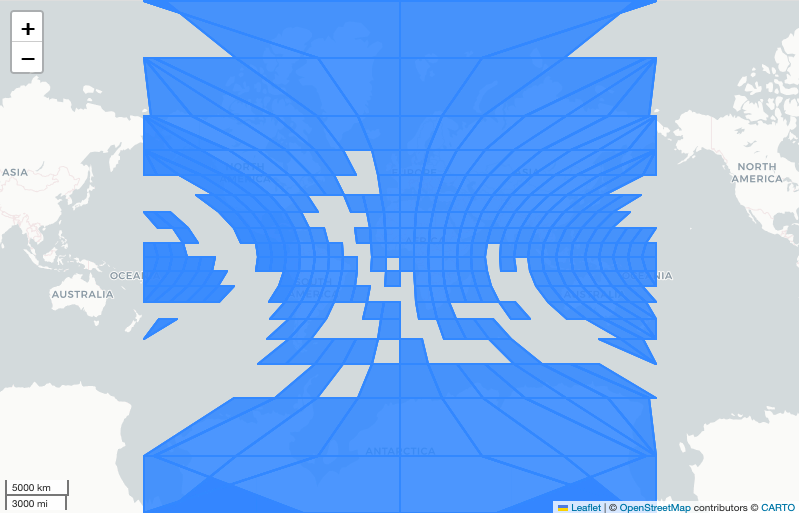
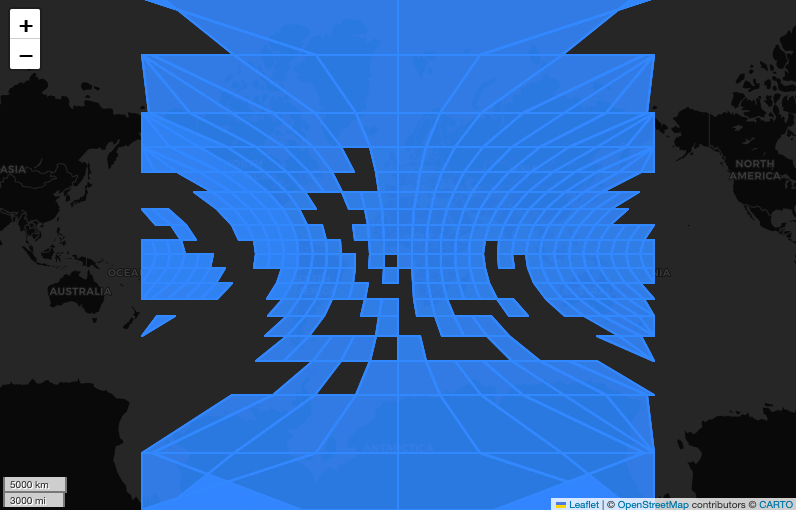
You can inspect the footprints before ingestion with lonboard.
Python
from lonboard import viz

viz(source, map_kwargs={"show_tooltip": True})
Explore the MODIS dataset

Match the catalog schema

Prepare a DataFrame with the fields required by the catalog. This example targets the schema from Build a spatio-temporal catalog: time, geometry, product_id, location, cloud_cover, and processing_level.
Python
products = source.copy()

products["product_id"] = products["granule_name"]
products["location"] = products["granule_name"].map(
    lambda name: f"modis://MCD12Q1/{name}"
)
products["cloud_cover"] = 0.0
products["processing_level"] = "MCD12Q1"

products = products[
    ["time", "geometry", "product_id", "location", "cloud_cover", "processing_level"]
]

products.head(5)
Keep the DataFrame columns aligned with the dataset schema. Required fields such as id and ingestion_time are generated by Tilebox during ingestion, so you do not include them in the input DataFrame.

Connect to the catalog collection

Access the catalog dataset and create or reuse a collection for the MODIS products.
Python
from tilebox.datasets import Client

client = Client()
dataset = client.dataset("internal_imagery_catalog")
collection = dataset.get_or_create_collection("modis_land_cover")
Replace internal_imagery_catalog with the code name of your catalog if you used a different value in the previous guide.

Ingest the products

Ingest the prepared DataFrame into the collection. Tilebox validates each row against the dataset schema before storing it.
Python
datapoint_ids = collection.ingest(products)
print(f"Successfully ingested {len(datapoint_ids)} datapoints.")
Output
Successfully ingested 7245 datapoints.

Query the ingested catalog

After ingestion, query the collection by time and location. The query model is the same one used by Tilebox open data catalogs.
Python
from shapely import Polygon

area = Polygon(
    [
        (-124.45, 49.19),
        (-120.88, 29.31),
        (-66.87, 24.77),
        (-65.34, 47.84),
        (-124.45, 49.19),
    ]
)

matches = collection.query(
    temporal_extent=("2015-01-01", "2020-01-01"),
    spatial_extent=area,
)

matches[["product_id", "processing_level", "location"]]
Output
<xarray.Dataset> Size: 18kB
Dimensions:           (time: 110)
Coordinates:
  * time              (time) datetime64[ns] 2015-01-01 ... 2019-01-01
Data variables:
    product_id        (time) object 'MCD12Q1.A2015001.h10v03...' ...
    processing_level  (time) object 'MCD12Q1' 'MCD12Q1' ...
    location          (time) object 'modis://MCD12Q1/MCD12Q1.A2015001...' ...

View the data in the Console

You can also inspect ingested datapoints in the Tilebox Console. Open the dataset, select the collection, and click a datapoint to inspect its fields and geometry.
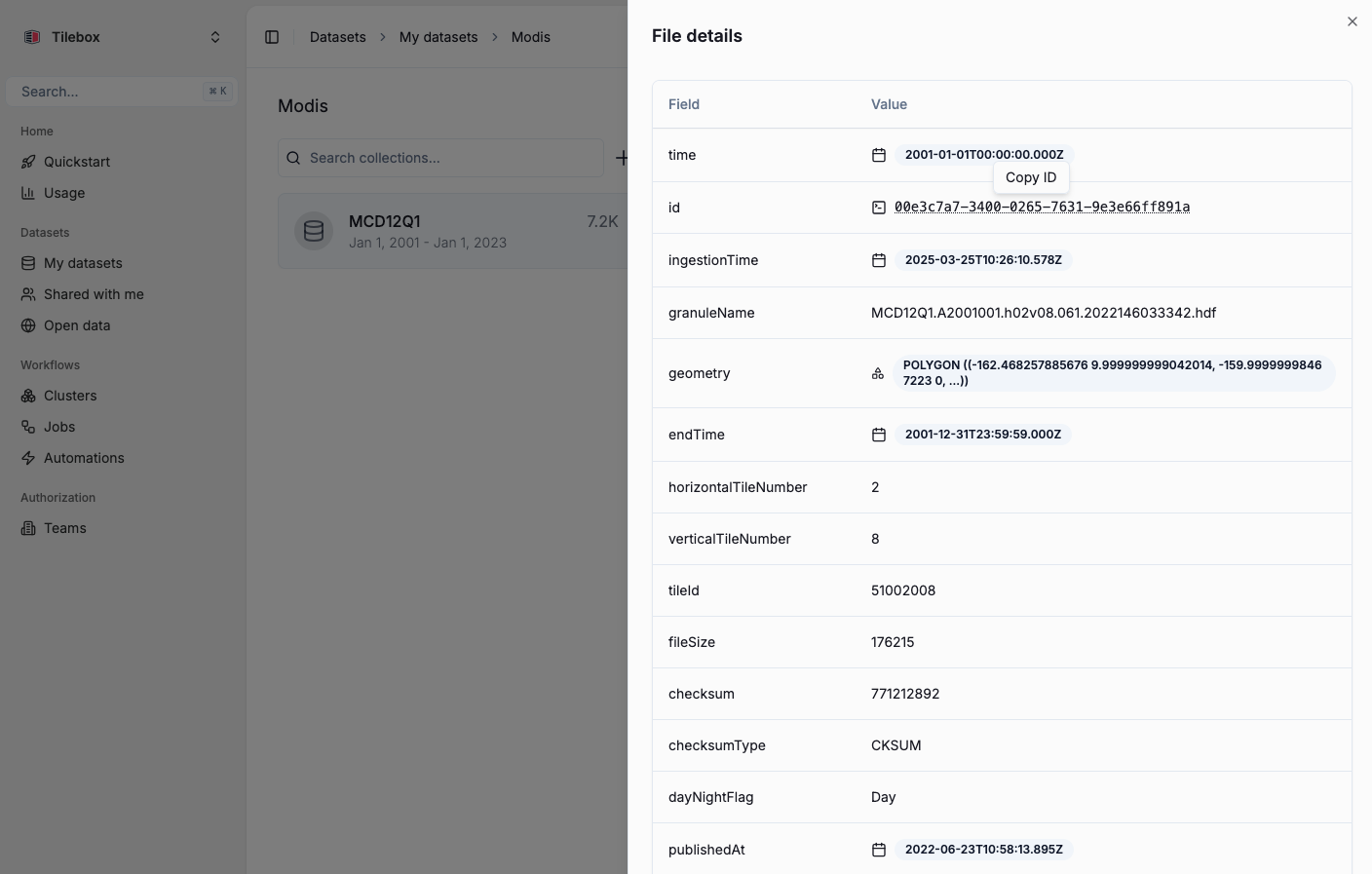
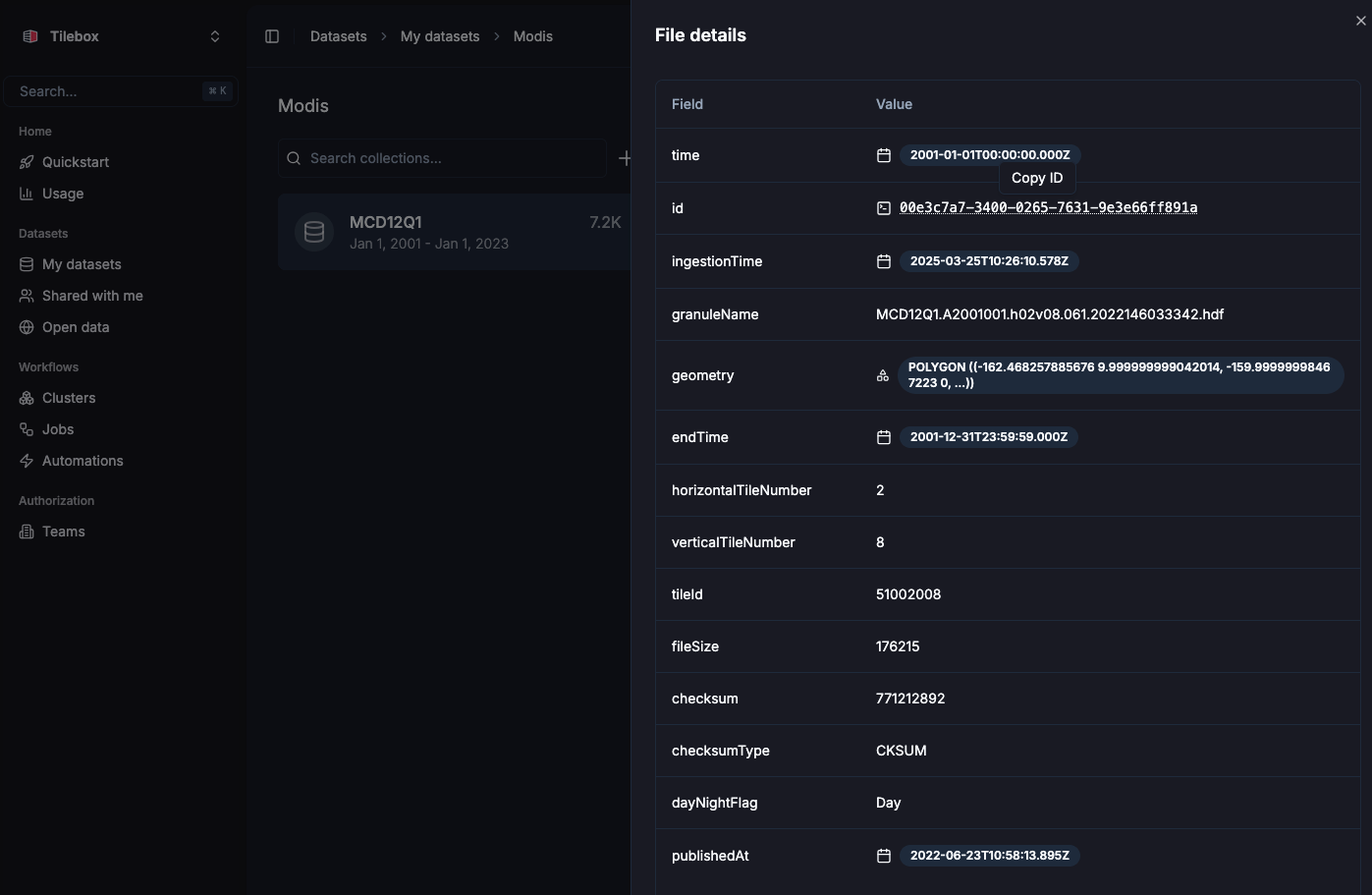
Explore the MODIS dataset

Next steps

Build a spatio-temporal catalog

Create and document the catalog schema used by this guide.

Query data

Learn more about querying datasets by time, location, collection, and ID.

Ingest from common file formats

Load CSV, Parquet, GeoParquet, and NetCDF data before ingestion.