

Tilebox documentation
Start building with Tilebox
Query Earth Data. Build, run, debug, and scale geospatial workflows across environments. One API for humans and agents.
- Agent
- CLI
- Python
- Go
Get started
Choose how you build
Use Tilebox directly as a developer, or give an agent the same tools and documentation context so it can operate Tilebox for you.
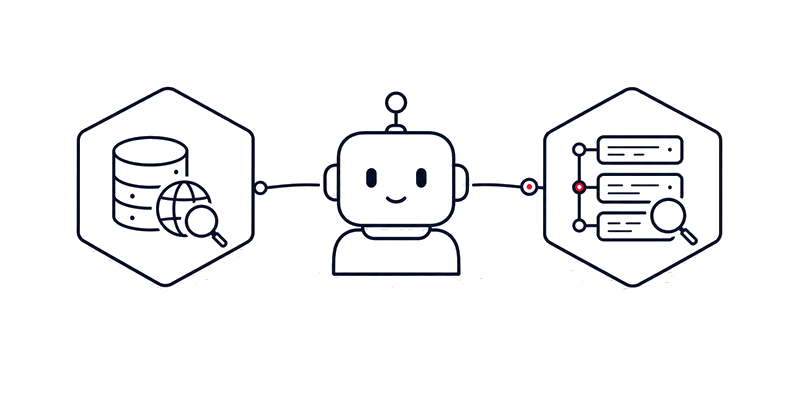
Use an agent
Configure a coding agent with the Tilebox CLI, agent skills, and optional MCP access. Agents can inspect datasets, write workflow code, submit jobs, and debug runs with Tilebox context.
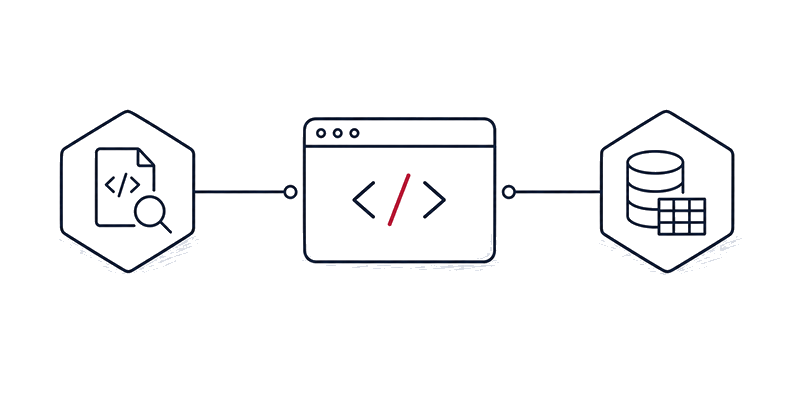
Build as a developer
Use the Console, Python SDK, Go SDK, and CLI to query data, ingest your own catalogs, create workflow tasks, and run them across your infrastructure.
Learn
Explore the platform
Start from the outcome you need. Tilebox combines typed data access, workflow execution on your infrastructure, and shared observability for people and agents working on geospatial systems.
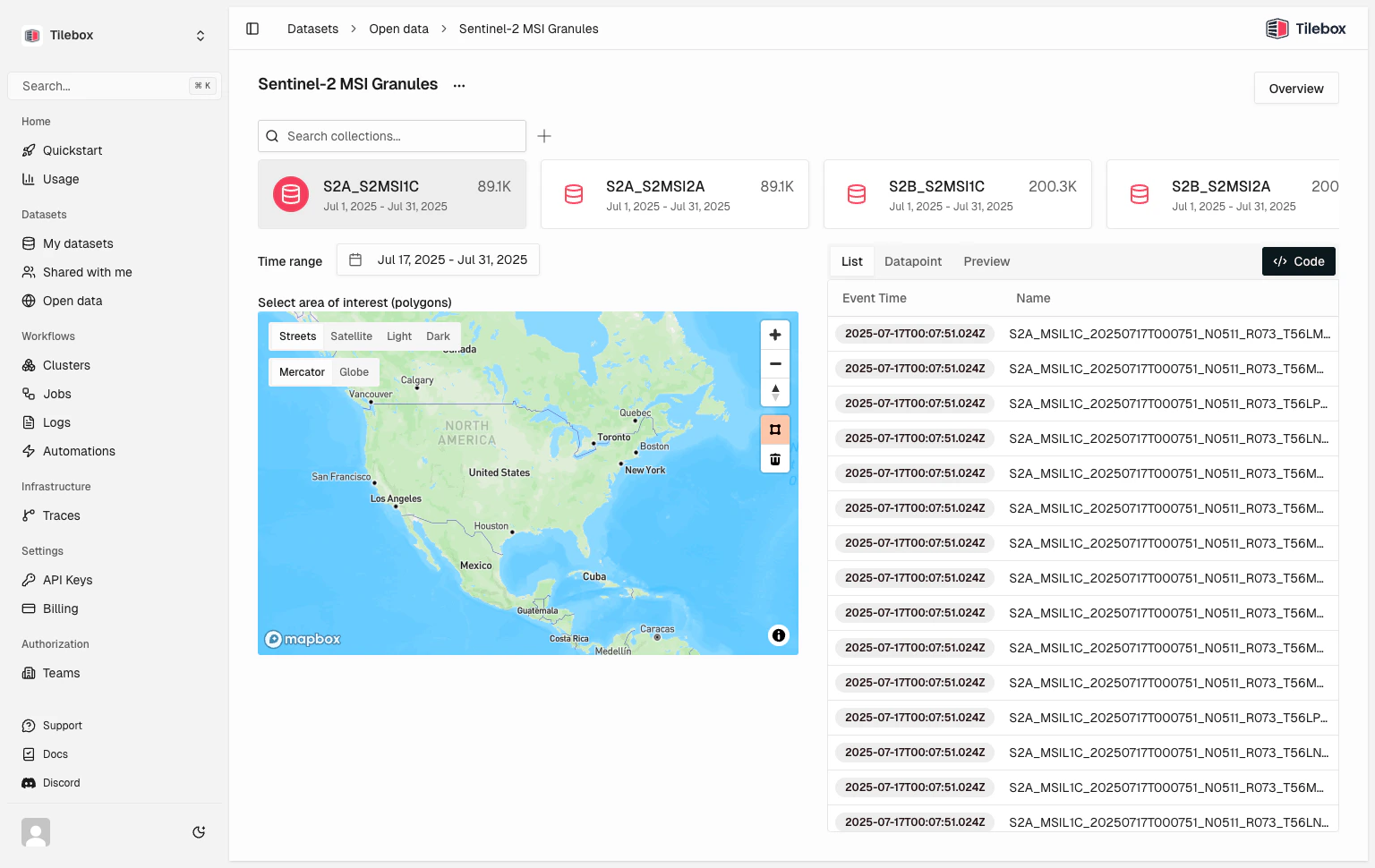
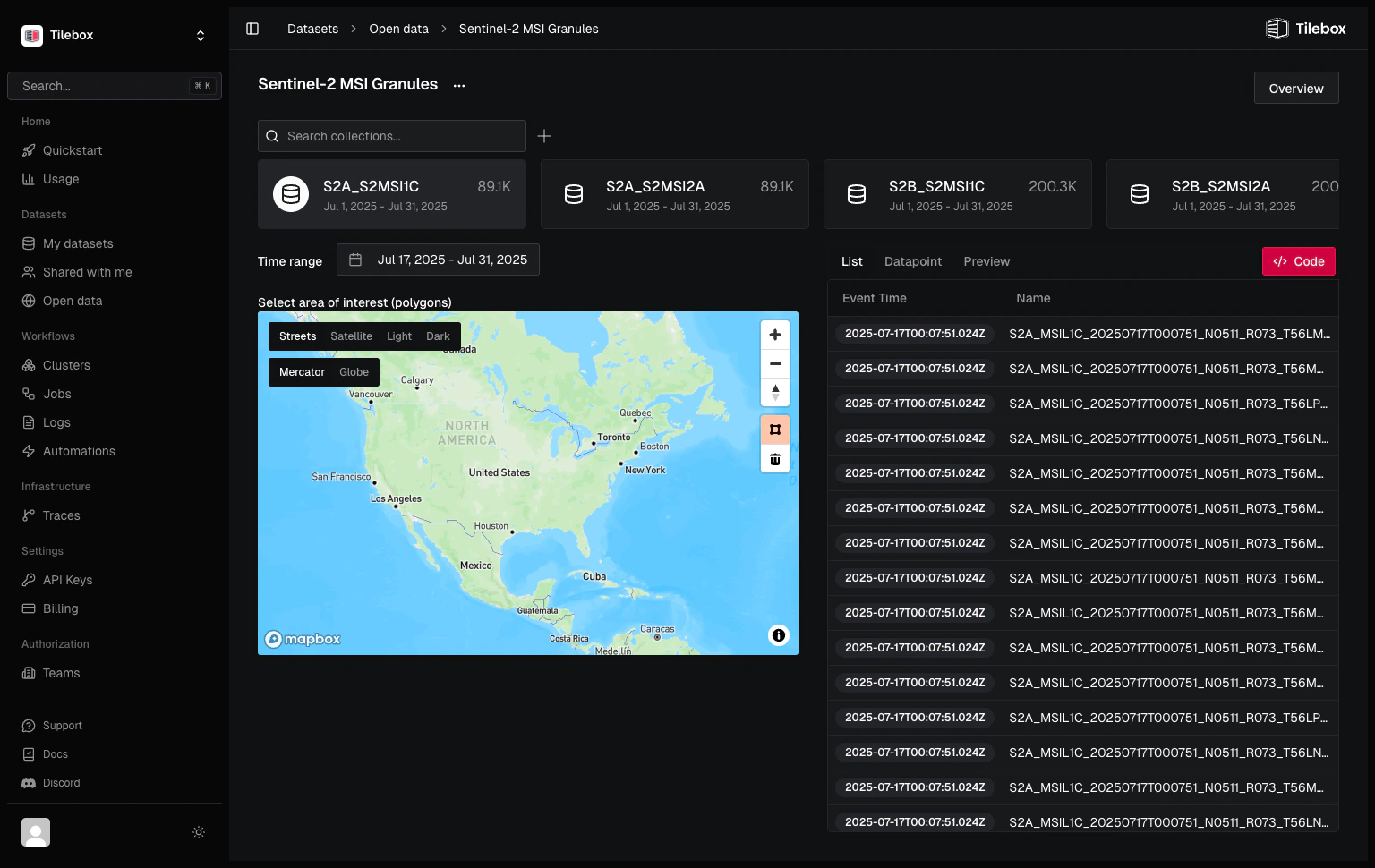
Query satellite data
Search typed datasets by time, location, collection, custom fields, or datapoint ID.
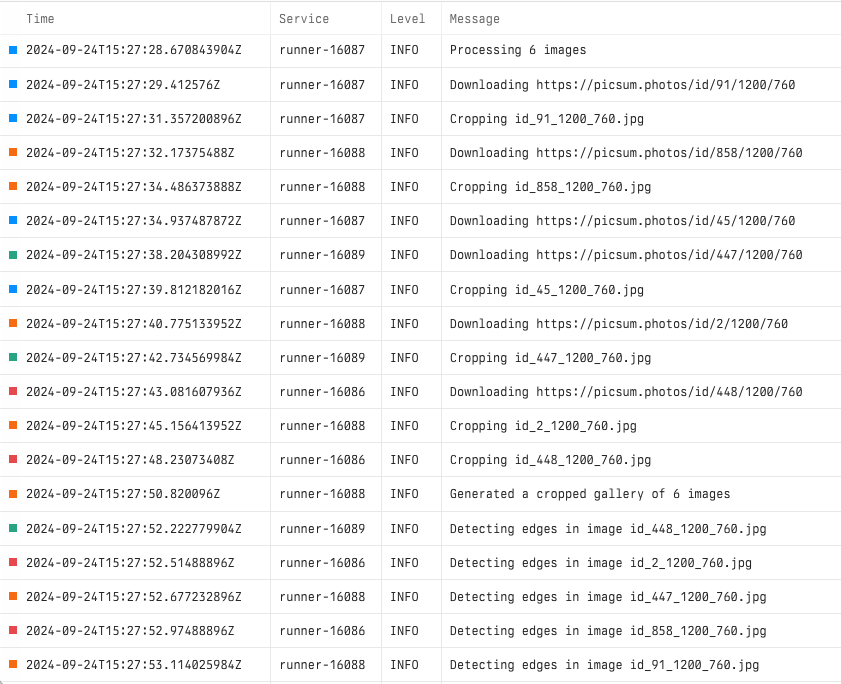
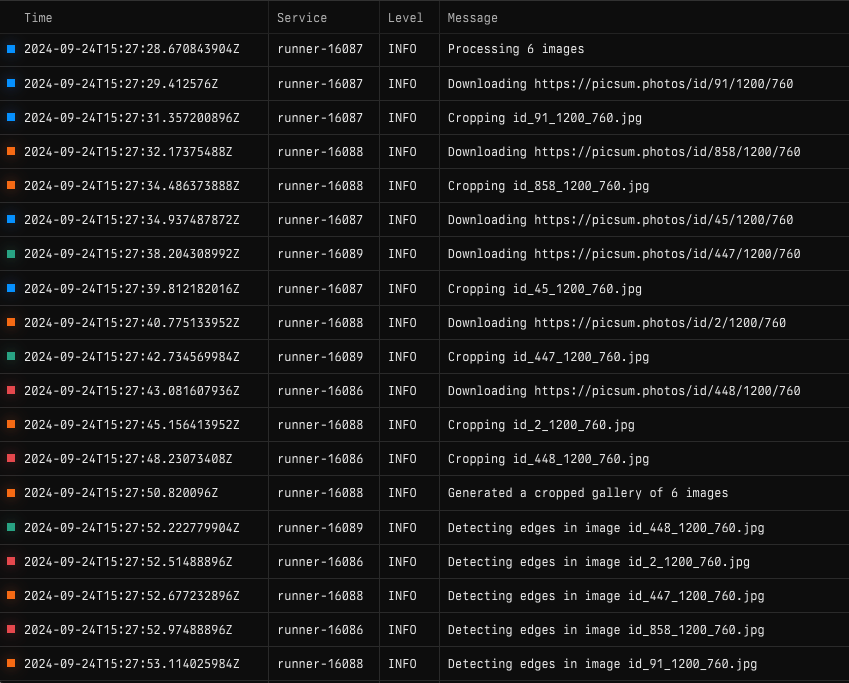
Inspect workflow runs
Use logs, traces, progress, and job state to debug workflows and verify results.
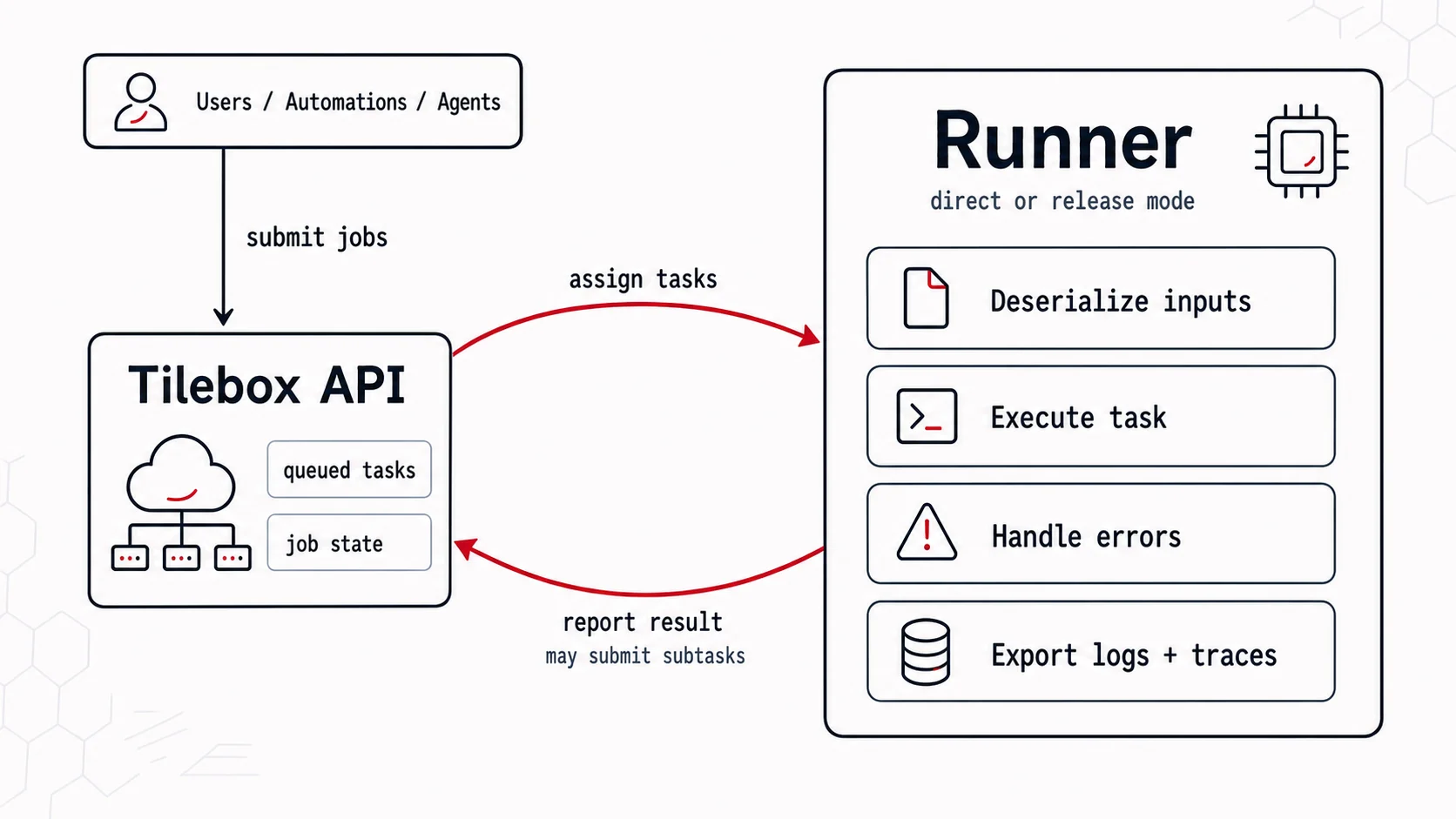
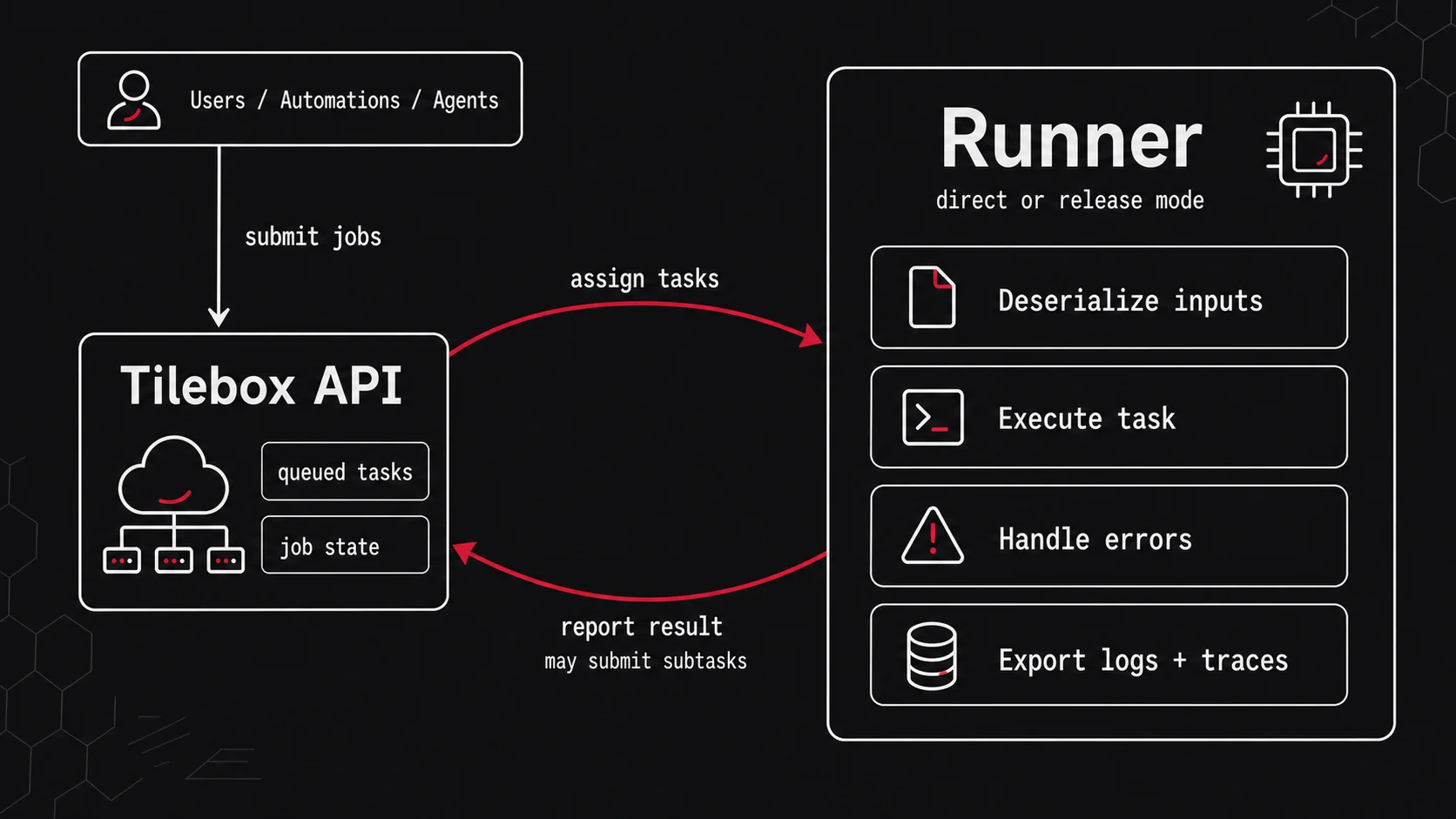
Deploy to your own compute
Connect runners to your own infrastructure and control where workflow tasks execute.
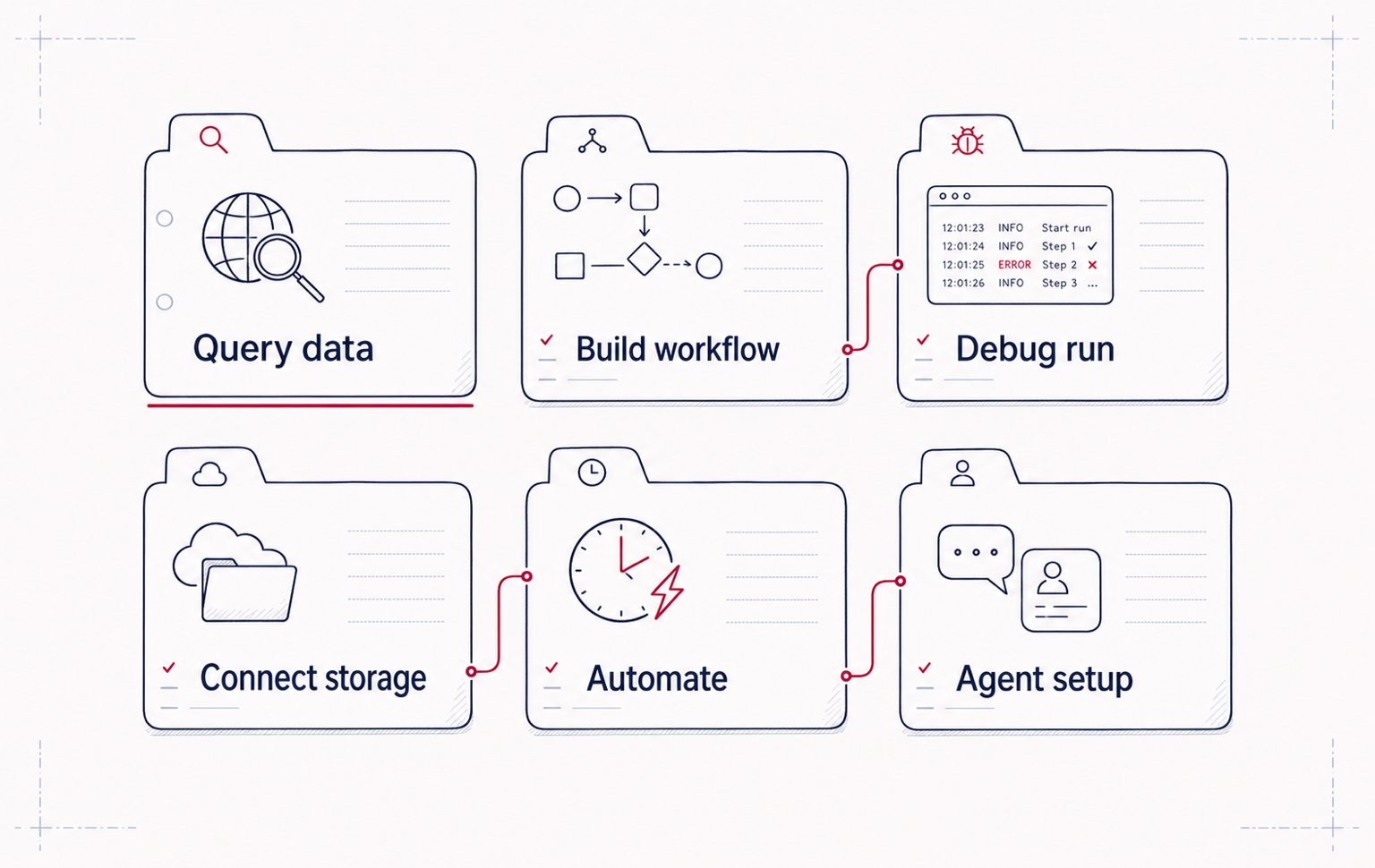
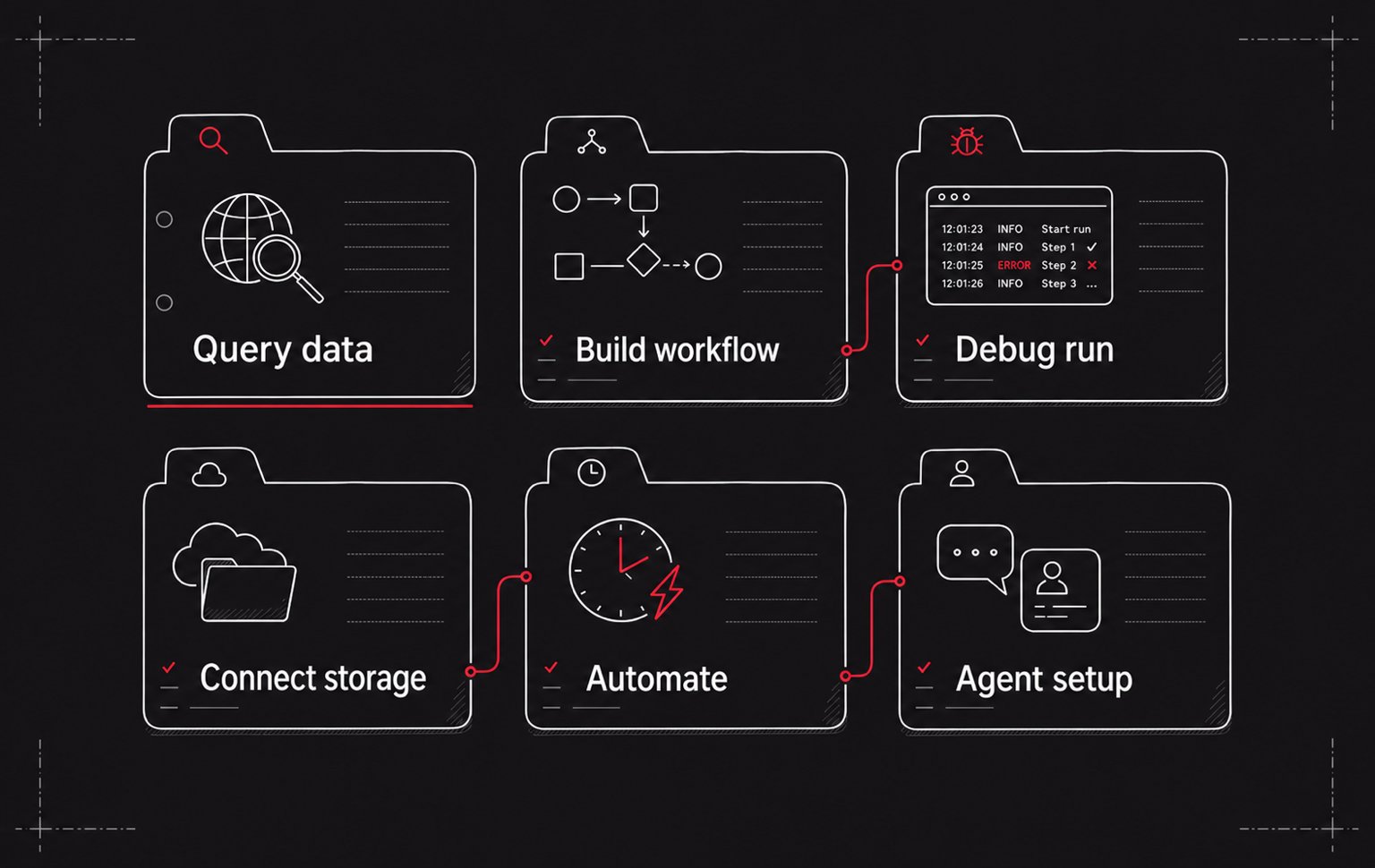
Browse practical recipes
Find task-focused guides for querying data, building workflows, connecting storage, and operating Tilebox.
Run a workflow
Assets and storage
Ingest data
Sample notebooks
Spatio-temporal datasets
Jobs
Scale
From query to operational pipelines
Start with open data or your own catalogs, turn processing steps into tasks, and run them where your data and infrastructure already live.
Discover and query data
Build workflow tasks
Prototype locally
Deploy to your own compute
Inspect and iterate