

USGSLandsatStorageClient and your AWS requester-pays setup.
Prerequisites
- You have a Tilebox API key.
- You have installed the Python SDK.
- You have AWS credentials configured in your environment.
- Your AWS account can access requester-pays S3 buckets.
USGS Landsat data is stored in a requester-pays S3 bucket. AWS charges for requests and data transfer according to your AWS account settings.
Select a Landsat 8 datapoint
Start with a small metadata query and select one datapoint to access. For a deeper guide to open data discovery and metadata filtering, see Query open data metadata.Python
Create the Landsat storage client
Create aUSGSLandsatStorageClient. The client uses AWS credentials from your environment, such as AWS_ACCESS_KEY_ID, AWS_SECRET_ACCESS_KEY, and AWS_SESSION_TOKEN when needed.
Python
Download the complete product
Usedownload when you need the complete Landsat product directory. The storage client resolves the product location from the Tilebox datapoint metadata and downloads the matching files into the local cache.
Python
Output
Download selected product files
Landsat products contain surface reflectance bands, quality masks, thermal bands, metadata, and preview images. Uselist_objects and download_objects when you only need specific files.
Python
Preview the product
Many Landsat products include a thumbnail image. In a notebook, usequicklook to display the product preview without downloading the full product first.
Python
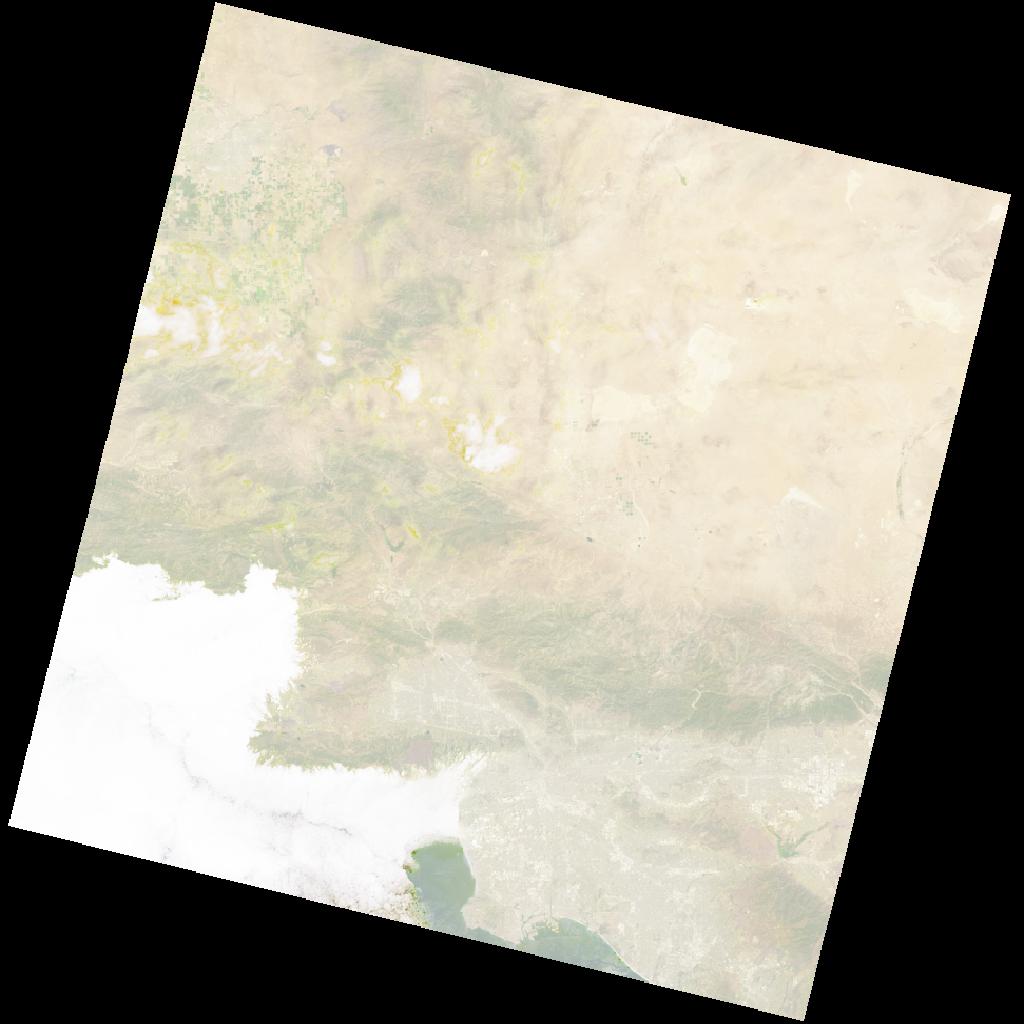
Landsat quicklook image © USGS
Next steps
Query open data metadata
Find Landsat products by time, location, and metadata fields.
Storage clients
Learn about the other Tilebox storage clients for open data products.