Documentation Index
Fetch the complete documentation index at: https://docs.tilebox.com/llms.txt
Use this file to discover all available pages before exploring further.
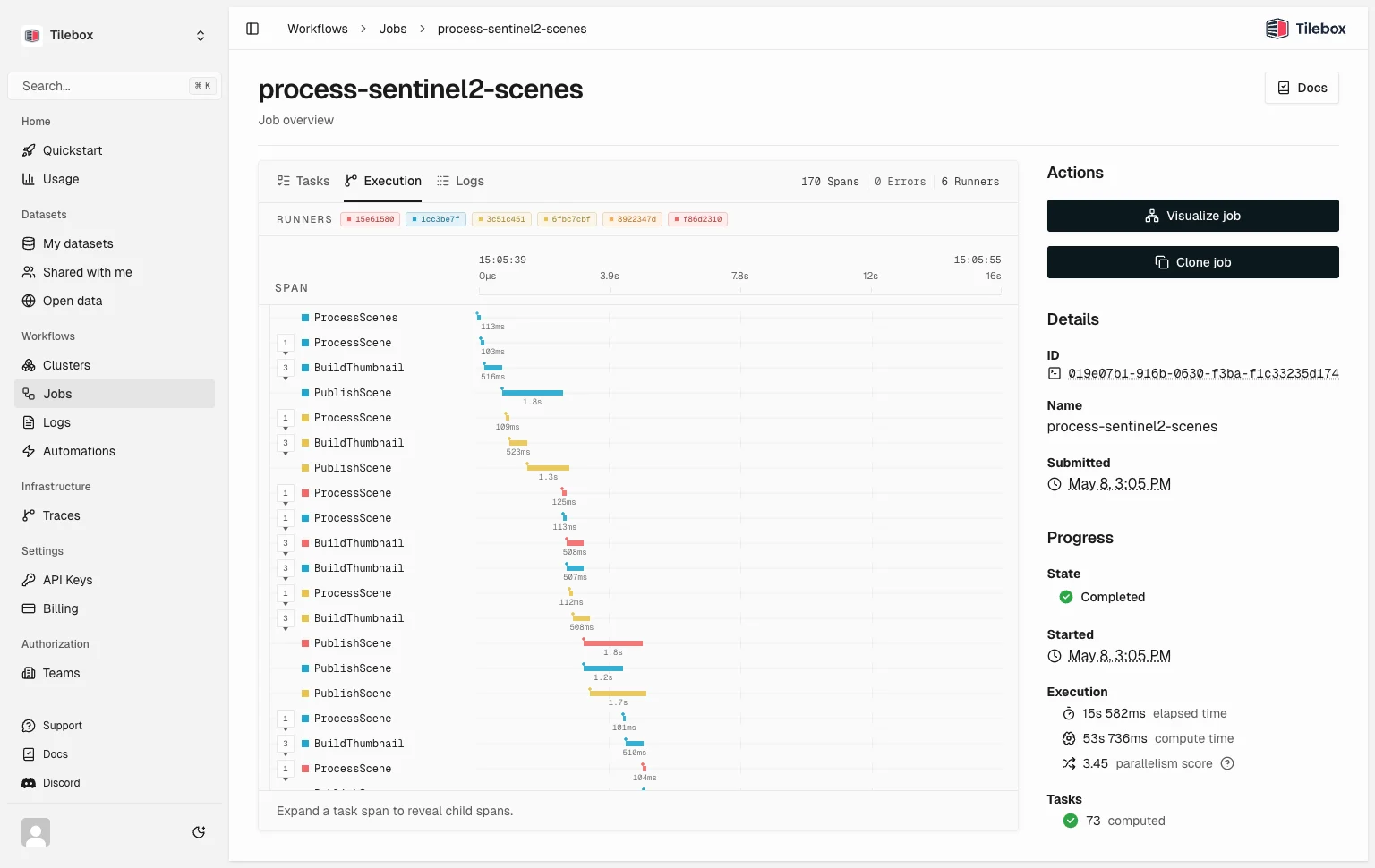
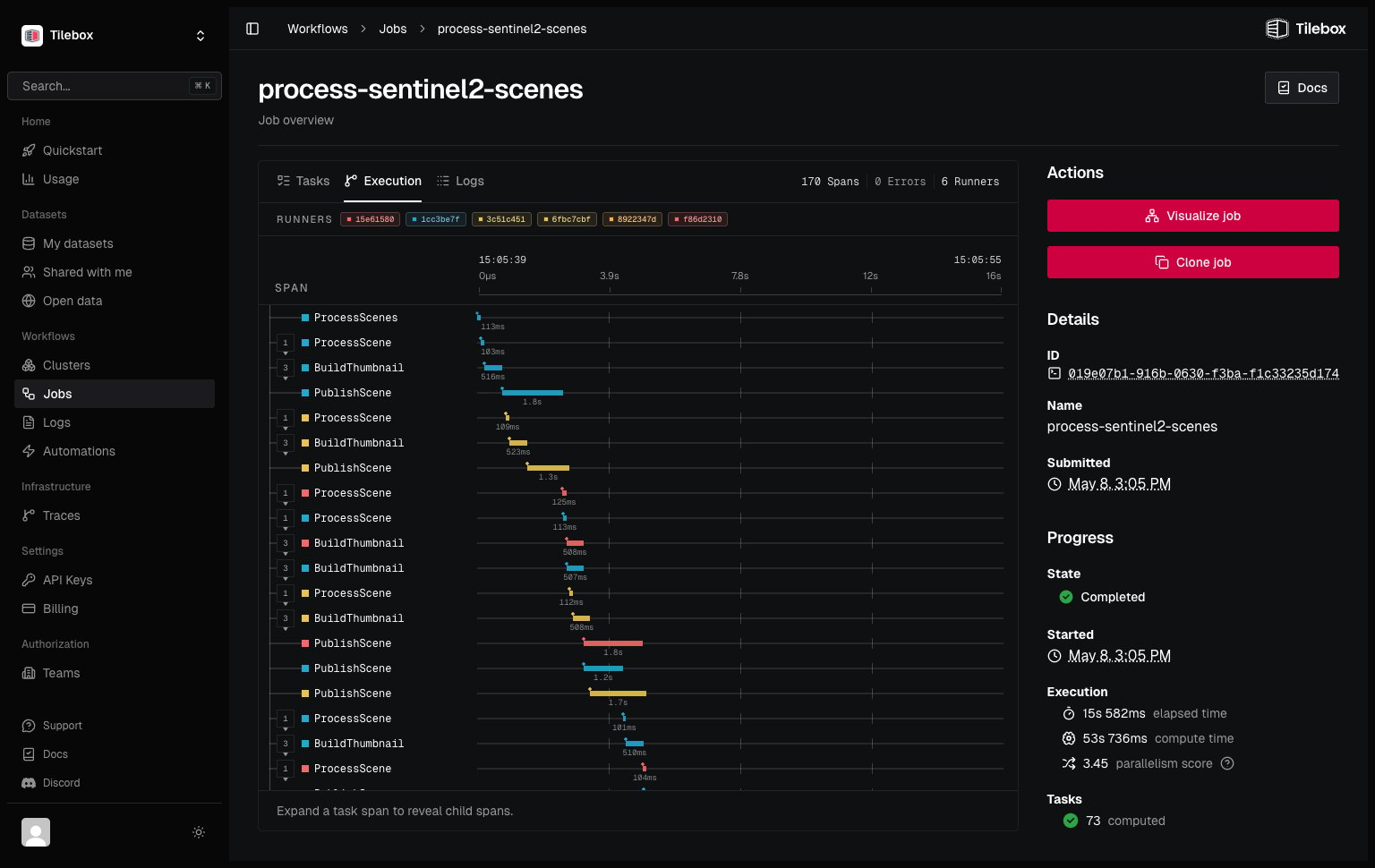
Tilebox Workflows gives each job a live observability record. As task runners execute work, Tilebox captures logs, traces, task status, and runner context. You can follow a job from the root task through its subtasks, inspect failures, and compare slow steps across distributed runners.
Use the built-in view for day-to-day debugging and operations. Add structured log fields and custom spans when you need more detail inside your task code.
How Tilebox observes workflows
A submitted job starts a trace. Each task run creates a span, and custom spans sit under the task that creates them. Log records emitted from task code attach to active spans, which connects messages to timing data.
Tilebox adds job, task, runner, and service metadata to telemetry records. This data helps you filter by job, inspect a single task run, or compare work across task runners.
Observability example
from tilebox.workflows import Client, ExecutionContext, Task

class ProcessScene(Task):
    scene_id: str

    def execute(self, context: ExecutionContext) -> None:
        context.logger.info("Processing scene", scene_id=self.scene_id)

        with context.tracer.span("plan-subtasks"):
            thumbnail = context.submit_subtask(BuildThumbnail(scene_id=self.scene_id))
            context.submit_subtask(PublishScene(scene_id=self.scene_id), depends_on=[thumbnail])

class BuildThumbnail(Task):
    scene_id: str

    def execute(self, context: ExecutionContext) -> None:
        context.logger.info("Building thumbnail", scene_id=self.scene_id)

class PublishScene(Task):
    scene_id: str

    def execute(self, context: ExecutionContext) -> None:
        context.logger.info("Publishing scene", scene_id=self.scene_id)

client = Client(name="sentinel-2-runner")
runner = client.runner(tasks=[ProcessScene, BuildThumbnail, PublishScene])
runner.run_forever()