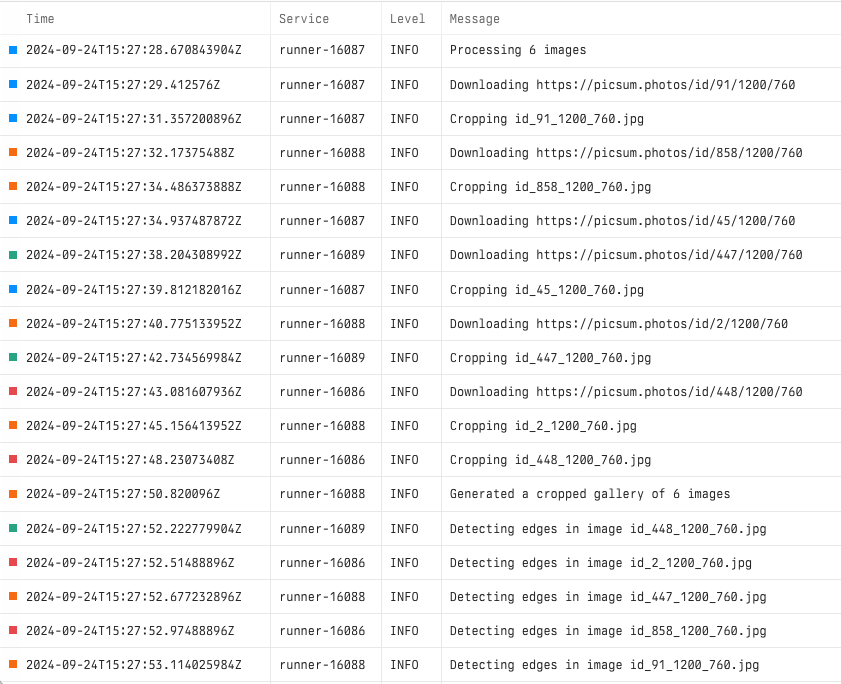
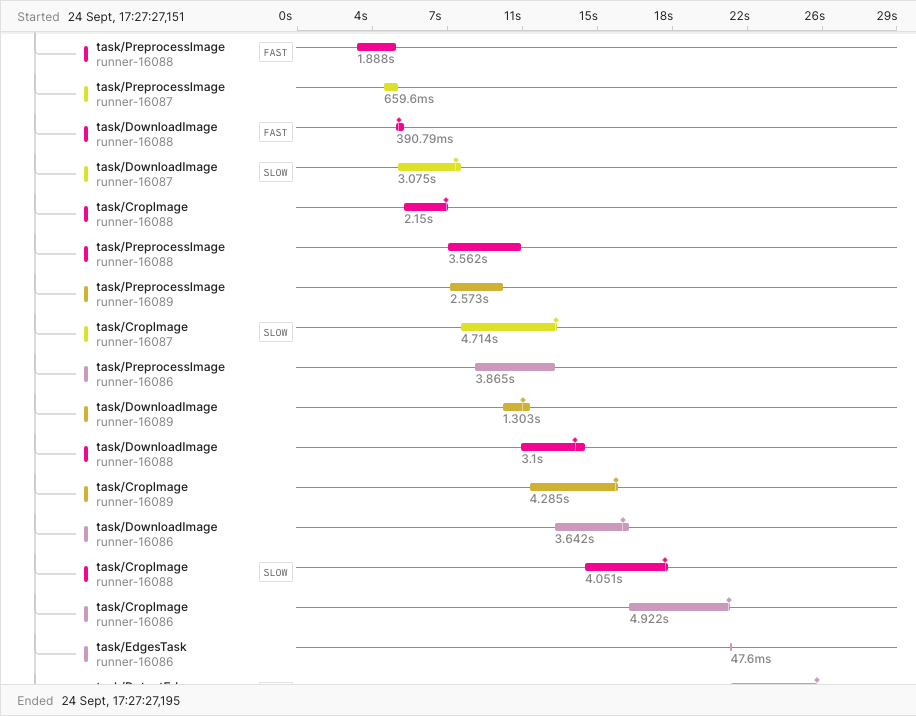
Tilebox can export workflow telemetry to Axiom through OTLP. Use this when your team already analyzes logs and traces in Axiom or wants long-term telemetry in Axiom datasets. Built-in Tilebox Console observability does not require Axiom. Axiom export is optional and additive.Documentation Index
Fetch the complete documentation index at: https://docs.tilebox.com/llms.txt
Use this file to discover all available pages before exploring further.

Configure Axiom export
Create Axiom datasets for logs and traces and an API key with ingest permissions. Then configure export when the runner process starts.Environment variables
You can omit credentials from code by setting environment variables:| Variable | Used by |
|---|---|
AXIOM_API_KEY | log and trace export |
AXIOM_LOGS_DATASET | configure_otel_logging_axiom() |
AXIOM_TRACES_DATASET | configure_otel_tracing_axiom() |
Existing Axiom screenshots