Tracking Progress
Progress indicators in Tilebox use adone / total model. Tasks can increase a total value to specify the total work to be done, and the same or any other task can increase a done counter to track the amount of work that has already been completed.
Progress tracking is always done at a task level. Each task can report its progress updates, as increases in done and total independently, and the job’s total progress is the sum of all tasks’ progress.
Multiple Progress Indicators
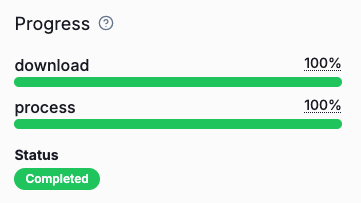
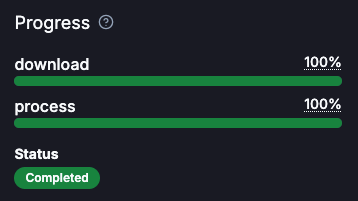
A job can have multiple independent progress indicators. This is useful when a job consists of multiple steps, that each benefits from having its own progress indicator. To create a new progress indicator, callcontext.progress(name) with a unique name for the indicator.
Querying Progress
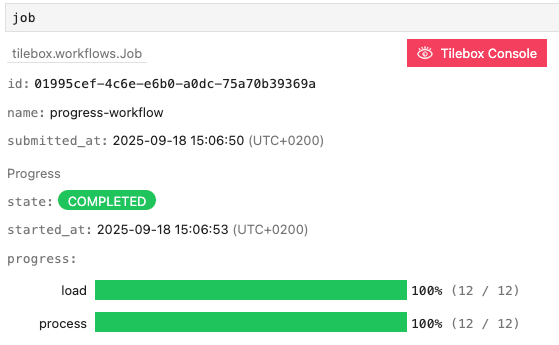
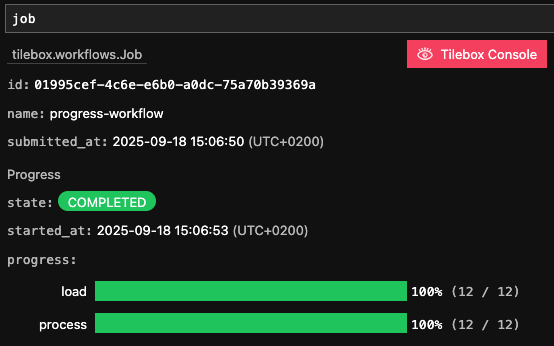
At any time during a job’s execution, you can query the current progress of a job using thefind method on the job client. The returned job object contains a progress field that contains the current progress of the job.
Output
Progress Display in interactive environments
When running in an interactive environment such as a Jupyter notebook and the cell output is a Tilebox job object, the job is automatically rendered, including its progress indicators.